Thumbnails
Thumbnail previews give viewers visual feedback while they scrub through a timeline. This page explains the shared thumbnail formats and manifest signaling patterns used across PRESTOplay SDKs. Platform pages then show the SDK-specific integration and UI implementation.
What thumbnails provide
Thumbnails are time-indexed preview images that map a playback position to an image or image region.
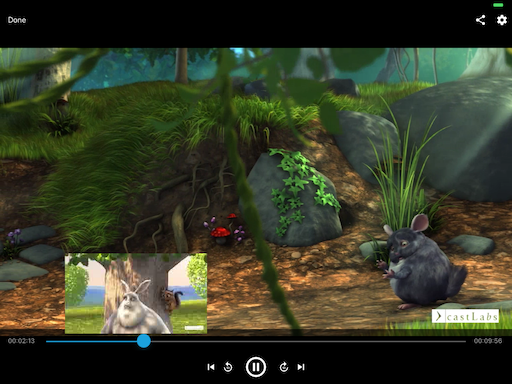
In-player use case: seek-bar preview while scrubbing
Data model: timestamp range plus image source
Rendering model: full image (single frame) or cropped tile from a sprite grid
        %%{init: {'theme': 'base', 'themeVariables': {
  'primaryColor': '#E6FFFA',
  'primaryTextColor': '#1A202C',
  'primaryBorderColor': '#0D9488',
  'lineColor': '#0F766E',
  'fontFamily': 'Segoe UI, Arial, sans-serif'
}}}%%
flowchart LR
    A["1. Seek interaction<br/>User scrubs to a timeline position"] -->
    B["2. Thumbnail resolve<br/>SDK maps time to cue/index and loads image or tile"] -->
    C["3. Preview render<br/>UI displays thumbnail above the seek bar"]

    classDef stepA fill:#DBEAFE,stroke:#1D4ED8,stroke-width:2px,color:#1E3A8A;
    classDef stepB fill:#FEF3C7,stroke:#D97706,stroke-width:2px,color:#7C2D12;
    classDef stepC fill:#DCFCE7,stroke:#16A34A,stroke-width:2px,color:#14532D;

    class A stepA;
    class B stepB;
    class C stepC;
How the thumbnail pipeline resolves a seek position to a preview image.
Stream-signaled thumbnails
Dynamic Adaptive Streaming over HTTP (DASH)
In DASH, thumbnails are usually signaled as an image AdaptationSet with tiled
sprites.
<AdaptationSet contentType="image" mimeType="image/jpeg" segmentAlignment="true">
  <SegmentTemplate media="$RepresentationID$/sprite_$Number$.jpg"
                   startNumber="0"
                   duration="25" />
  <Representation id="sprites" bandwidth="30552" width="1600" height="1200">
    <EssentialProperty
      schemeIdUri="http://dashif.org/guidelines/thumbnail_tile"
      value="5x5" />
  </Representation>
</AdaptationSet>
thumbnail_tile declares the grid layout. In this example, each sprite contains
25 thumbnails (5 x 5).
HTTP Live Streaming (HLS)
In HLS, thumbnails are signaled from the multivariant playlist with
EXT-X-IMAGE-STREAM-INF, which points to an image media playlist.
#EXTM3U
#EXT-X-STREAM-INF:BANDWIDTH=200,CODECS="avc1,mp4a",RESOLUTION=960x540
video.m3u8
#EXT-X-IMAGE-STREAM-INF:RESOLUTION=240x135,CODECS="jpeg",BANDWIDTH=100,URI="image.m3u8"
Image playlists can reference single images or tiled images.
Side-loaded thumbnail formats
When a stream does not carry thumbnail signaling, you can side-load one of these formats.
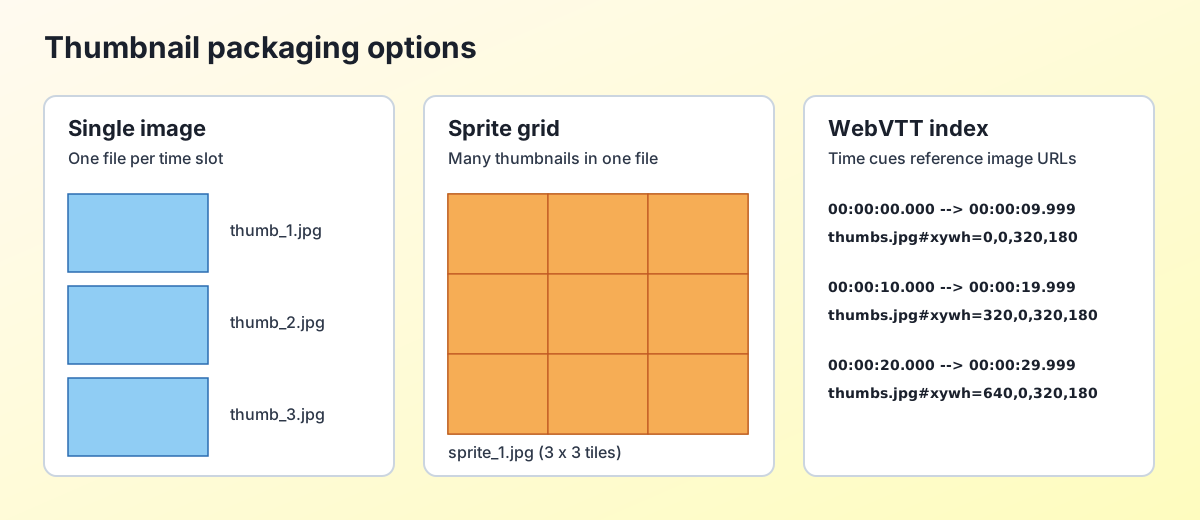
Comparison of common thumbnail packaging approaches.
Web Video Text Tracks (WebVTT) index
WebVTT cues map time ranges to image URLs.
WEBVTT

00:00:00.000 --> 00:00:09.999
thumb1.jpg

00:00:10.000 --> 00:00:19.999
thumb2.jpg
Grid coordinates can be appended to each cue target.
WEBVTT

00:00:00.000 --> 00:00:09.999
thumbs.jpg#xywh=0,0,320,180

00:00:10.000 --> 00:00:19.999
thumbs.jpg#xywh=320,0,320,180
Template-based images (single or grid)
Template URLs use an index token such as $index$ and optional grid metadata.
Single-image mode: one image per index
Grid mode: one image contains multiple thumbnails, addressed by grid position
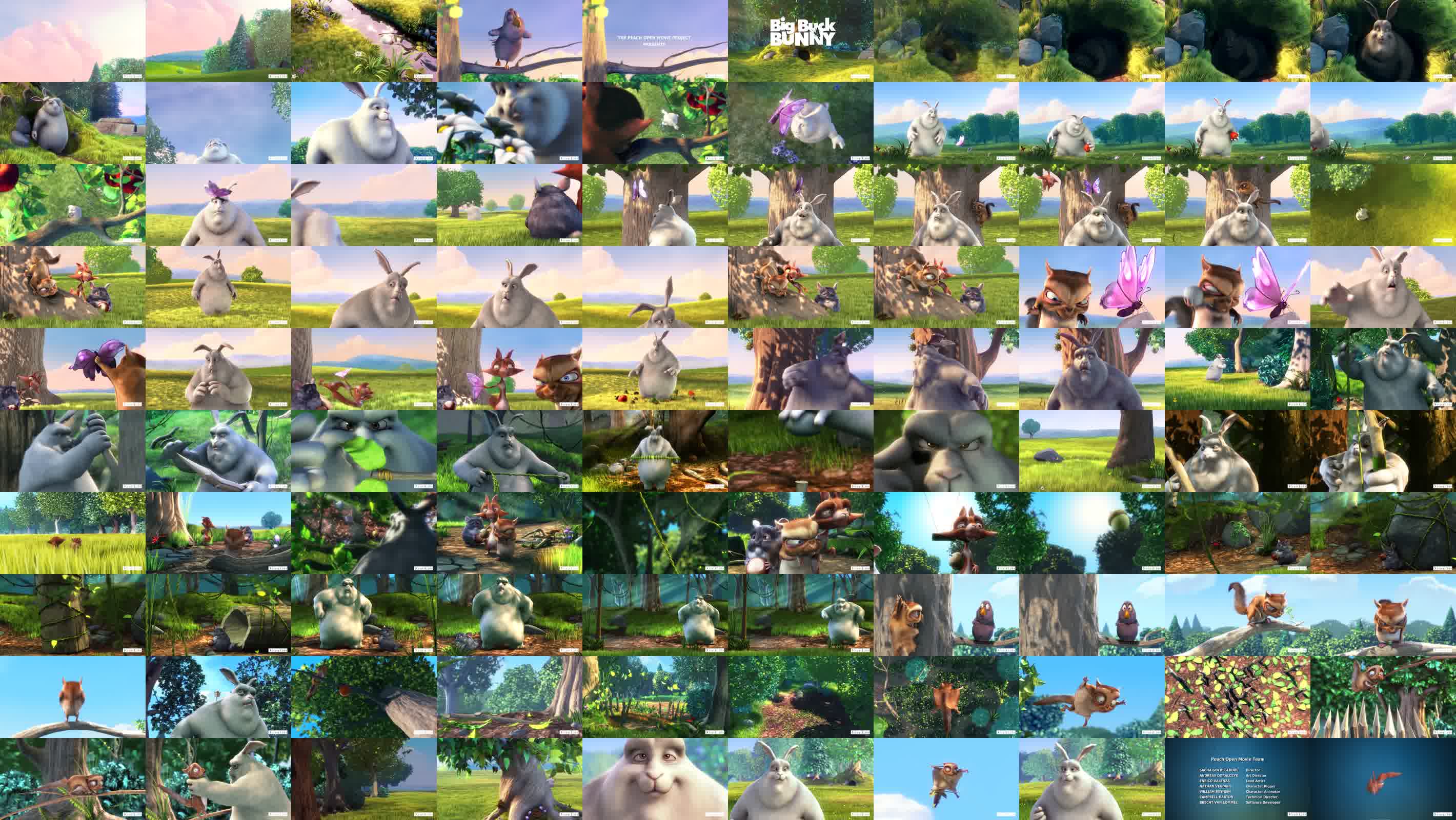
Example thumbnail grid image used for sprite-based thumbnails.
Binary Image Format (BIF)
Some SDKs support Binary Image Format (BIF) as a compact, indexed thumbnail container.